
Turn your real estate photos into video you can sell
Upload the photos from your shoot and get a finished listing video in about 5 minutes. No filming, no editing. You pay $1.50 per photo and set your own price.




Quality you can deliver under your own name
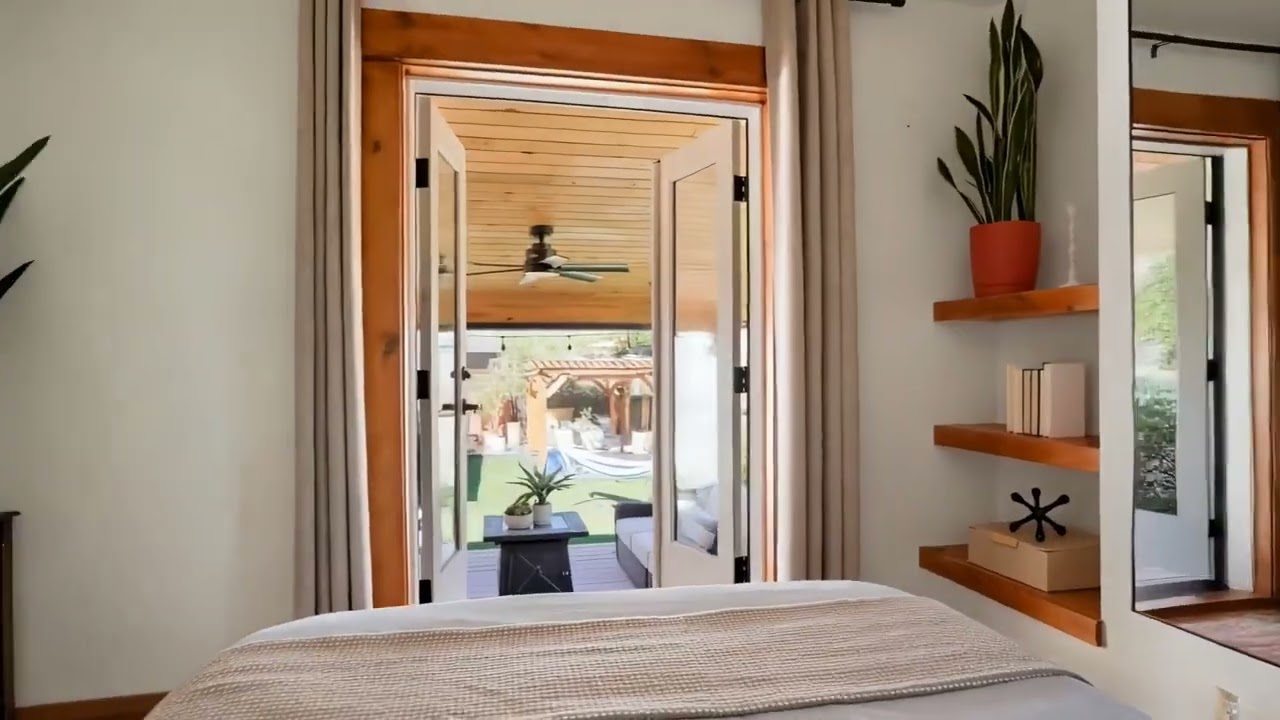
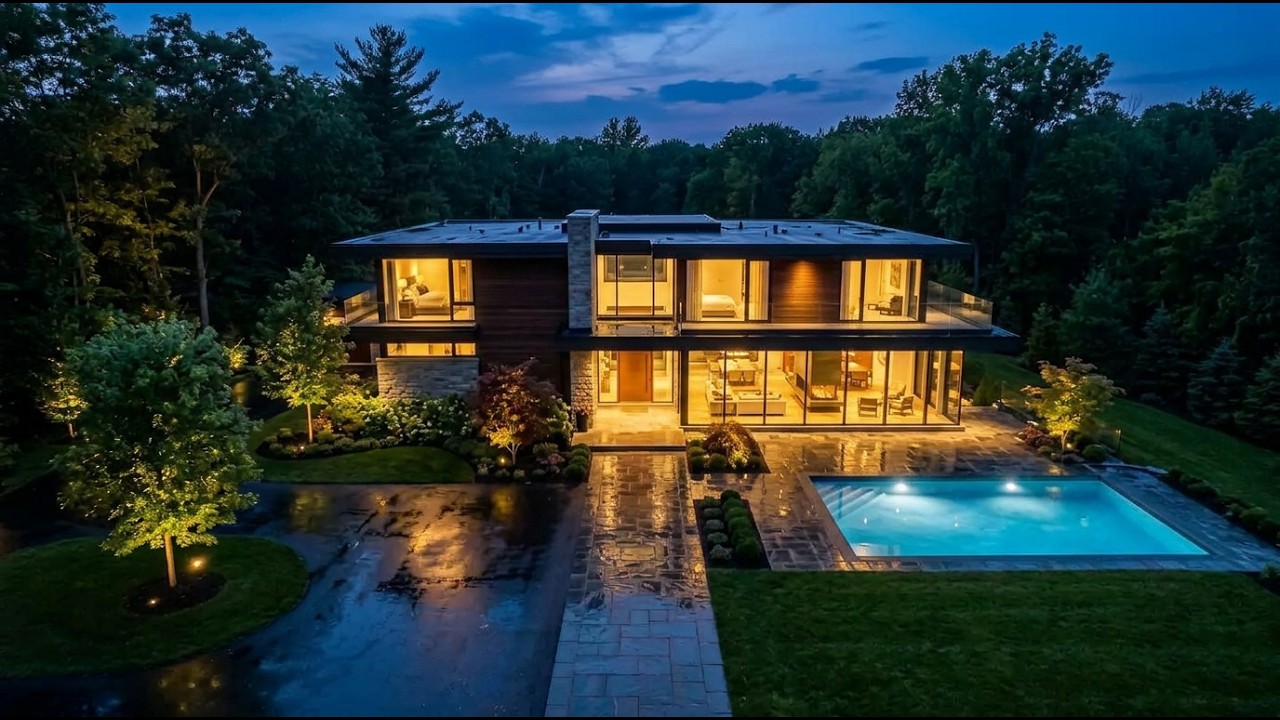
Every clip below started as a still photo. Realistic camera motion, no warped walls. Press play.

Photographers sell it as an easy upsell
Solo photographers and agencies around the world use Amplifiles to turn listing photos into video. More than 50,000 real estate videos created so far.
“I have tried at least 5 AI image-to-video creators before and Amplifiles is the best one. Others are too heavy-handed and leave weird artifacts, so I would not be happy delivering them to clients. This is the one I’m sticking with.”
“I think the best use case for this software is for those clients who don't want to spend the money for you to film a real estate video... This is a way where you can add it as a quick upsell on top of your real estate photos.”
“I’ve tried dozens of AI video tools over the years, but Amplifiles is the one I keep coming back to. It dramatically reduces the time it takes to create high-quality videos. The interface is clear, the workflow is smooth.”
“I like the way you take 2 different shots of a space and merge them into a single video clip. The quality of the renders is outstanding and for the untrained eye looks like a real video clip.”
Agents want video. Most listings can't pay for a shoot
A full video shoot means planning, filming and editing. For most listings the budget isn't there, so video gets skipped. Yet listings with video get 403% more inquiries (Hemnet), and 48% of buyers' agents say video is highly important to their clients (NAR). Animating the photos you already shot lets you say yes to every listing.
From delivered photos to finished video in 5 minutes
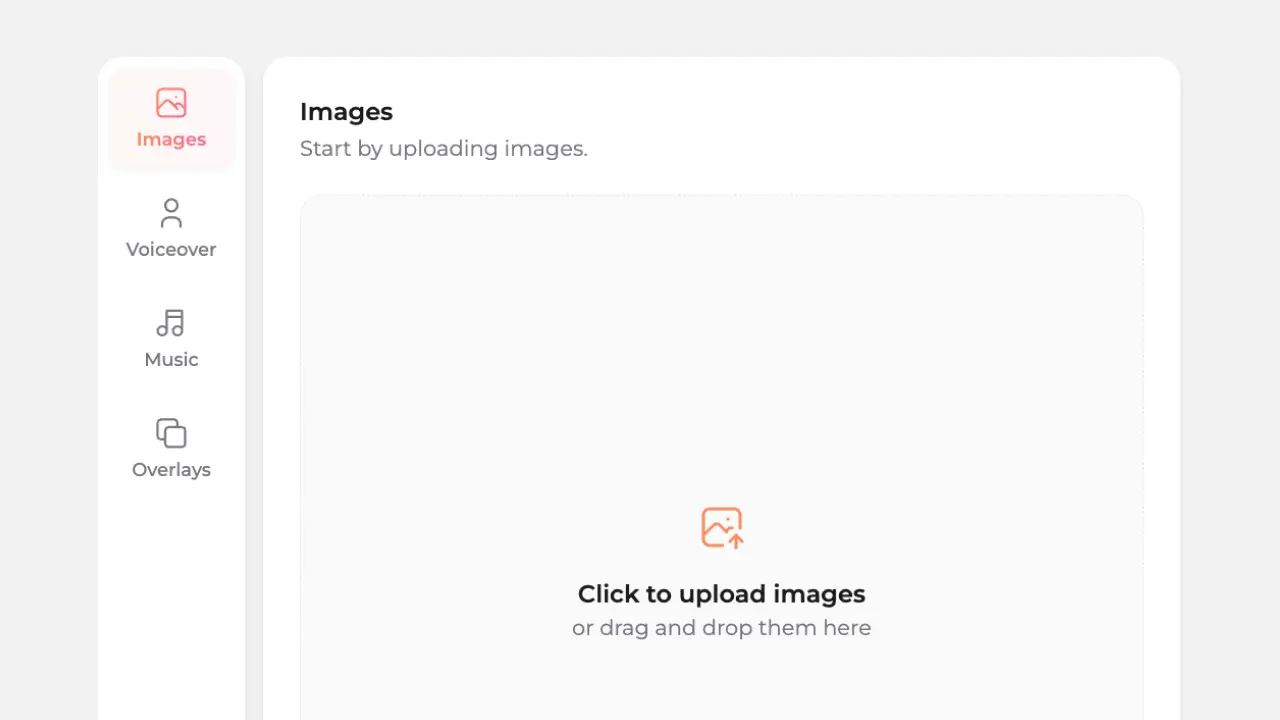
1. Upload listing photos
Add high quality photos. Common image sizes and layouts are handled automatically.

2. Customize your video
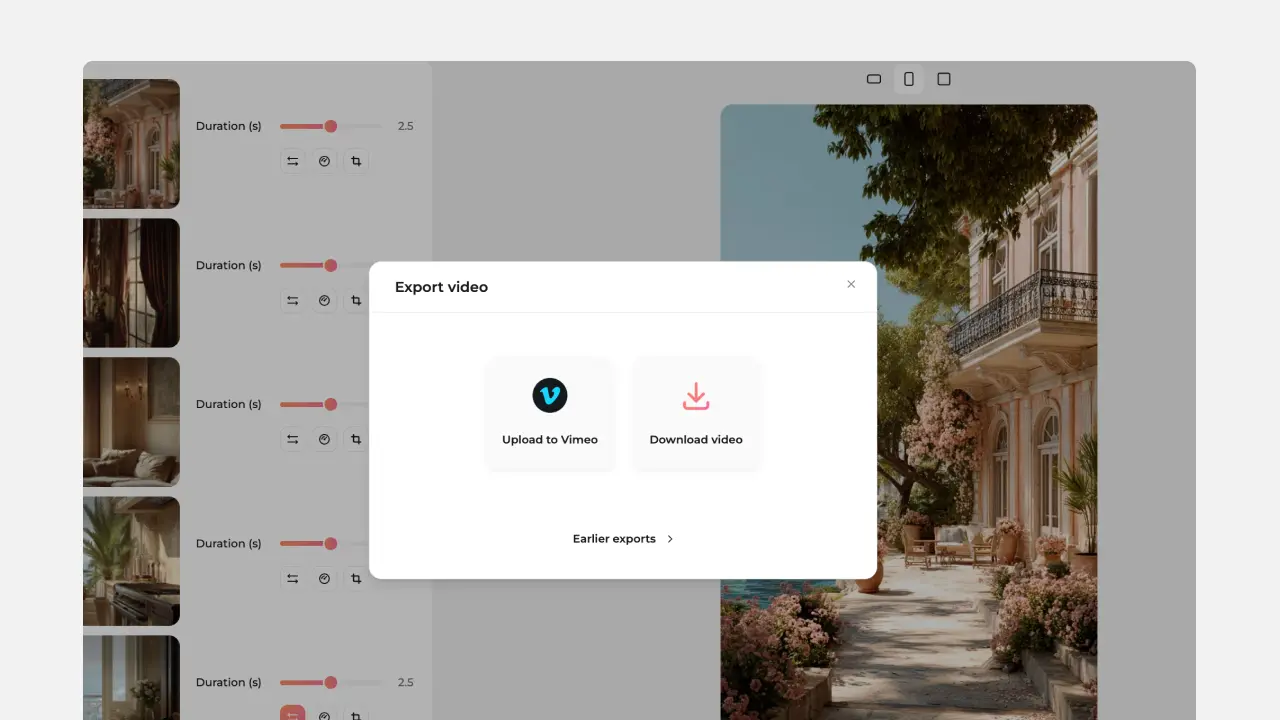
Choose an animation style, add voice-over, captions and even enhance with overlay elements. Select aspect ratio.
3. Deliver and keep the margin
Download video or share a link. Deliver it as part of your real estate photography package, or sell it as an add-on. You keep the margin.
Three ways to add video. You set the resale price.
Make it yourself from $1.50 per photo, save with a monthly plan, or let our editors make it for $39.

See what video adds to your yearly revenue
Pick how you make the video, then set your volume and your price. Everything above your cost is yours, on shoots you have already booked.
Cost per video assumes 8 photos: $1.50 per photo pay as you go, $1.26 per photo on the $29 monthly plan, or the $39 Small done-for-you package.
Run a busy studio? Add more than $25,000 a year with video
Photographers sell listing video as a $100 to $150 add-on. Here is what that adds up to for a studio shooting about 6 listings a week.
Free to join the preferred photographer program. No contract.
Sell listing video without adding a shoot day
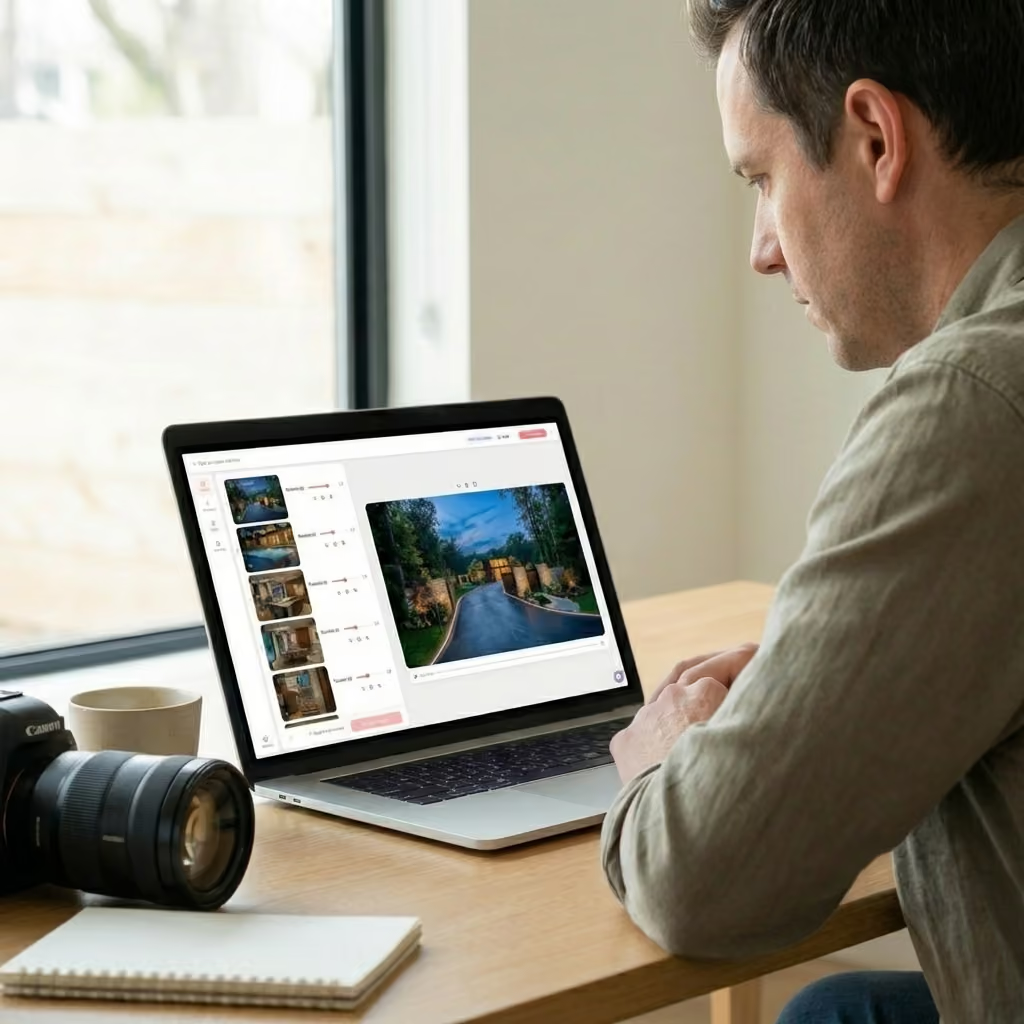
Animate the photos you already delivered. Camera moves, ambient effects, timelapses, Time of Day shifts, and special effects turn a finished photo set into a video package. The client gets vertical, square, and horizontal cuts, and the margin stays with you.
Re-animate it free
Your first re-animation on every image is included, so you can land the shot before it reaches the client. Ten free on a subscription.
Watermark free, up to 4K
Deliver in 1080p, 1080p Enhanced, or 4K. No watermark on any tier, and you keep commercial rights to everything you generate.
AI real estate video features built for photographers
Amplifiles is built to fit into a real estate photography workflow. It turns listing photos into ready to deliver property videos using AI, without filming or video editing. You stay in control of the look, while the system handles the heavy work automatically.

Use different camera motions
Select from several camera movements, designed to work well for interiors and exteriors.

Add transitions between shots
Choose how one image moves into the next. Helps control pacing and overall feel.

Use voice-over and captions
Add narration from text and generate captions automatically when needed.

Music library or upload your own
Bring video to life with music. Choose from royalty free tracks or use your own audio.

Add branding and overlays
Add logos, text, and graphic elements to match your brand or your client’s brand.

Export video in multiple formats
Export vertical, horizontal, or square videos from the same project.
Common questions from real estate photographers
This FAQ covers how the AI real estate video editor works, what to expect from photo to video results, and how photographers use Amplifiles in real world workflows.
An AI real estate video editor is software that automatically turns listing photos into property videos. Instead of manually editing clips, the AI adds motion, transitions, captions, and optional voice-over so the video is ready to share in minutes.
AI photo-to-video tools work very differently from generative AI. The system animates your actual photos rather than creating new imagery from scratch. That said, as with any AI-based processing, edge cases can happen, especially around mirrors, reflections, or complex patterns.
For this reason, Amplifiles includes simple controls like cropping and motion adjustments so photographers can fine-tune clips if something feels off. In practice, animating existing photos significantly reduces hallucination risk compared to AI tools that generate entirely new visuals.
Traditional video editing requires filming, timelines, software, and hours of work. With an AI real estate video generator, you simply upload photos and let the system handle the video creation automatically. It’s faster, more affordable, and easier to scale.
That is up to you. Your cost is $1.50 per photo, so an 8-photo video costs $12. Many photographers sell it as a $100 to $150 add-on, so at $100 you keep $88. Try your own numbers in the margin calculator above.
When you would rather not touch the edit. Upload the photos or paste the listing link, and our editors deliver horizontal, vertical and square videos within 24 hours, from $39 per listing.
Yes. Many photographers use AI-generated listing videos as an upsell or bundle them with their photo packages. Because videos are created from existing photos, it’s an easy way to increase revenue without extra production time.
No contracts and no strings attached. It’s free to join, and you can use the program as much or as little as you like. Just book a short call with us to get started.
Add video to your next shoot
Your first video is free. 1,200 credits, enough for an 8-photo video. No credit card.